 FabTV
FabTV◎
Guided setup
On first launch it walks you through connecting your provider. No files to hunt for, no fields to guess.
An IPTV playlist is an endless, disorderly list. FabTV turns it into the experience you get from the best streaming services: tidy, quick to move around, and pleasant to look at from the sofa.
The difference
FabTV does not change your provider: it changes what happens after you type in your details. Everything below is what you get on the very same source.
What it does for you
None of this is a setting buried in a menu. It is how FabTV behaves from the first switch-on.
On first launch it walks you through connecting your provider. No files to hunt for, no fields to guess.
Xtream Codes, M3U and M3U8, JSON, XMLTV, HLS and MPEG-DASH. More than one provider at the same time, in one place.
Equivalent channels become a single entry. When a stream will not start, FabTV moves to an alternative on its own.
The schedule follows the language of the channel, so what is on now and next actually makes sense.
Italian, English, Spanish, French, German, Chinese, Japanese and Korean, interface and schedule alike.
Foreign-language and adult categories are proposed for hiding, never removed behind your back, and can be restored — with a PIN if you want.
One tile per series, with season and episode, resuming at the exact point you left it.
Details are prepared first and shown in one go. No page assembling itself piece by piece in front of you.
Live, films and series share the same controls, the same retries and the same recovery from network trouble.
Protection
Turn on one setting and FabTV refuses to play anything — and will not even download the catalogue — while the tunnel is down.
It also catches the case people usually miss: a VPN that is connected but leaves this app outside the tunnel. FabTV notices, and still stops.
An independent project
FabTV is written by one person, in their spare time. There is no company behind it, no subscription, no adverts and no data collected about what you watch.
A small donation helps fund updates, compatibility with more devices and an ever better experience.
paypal.me/fabiolorefice1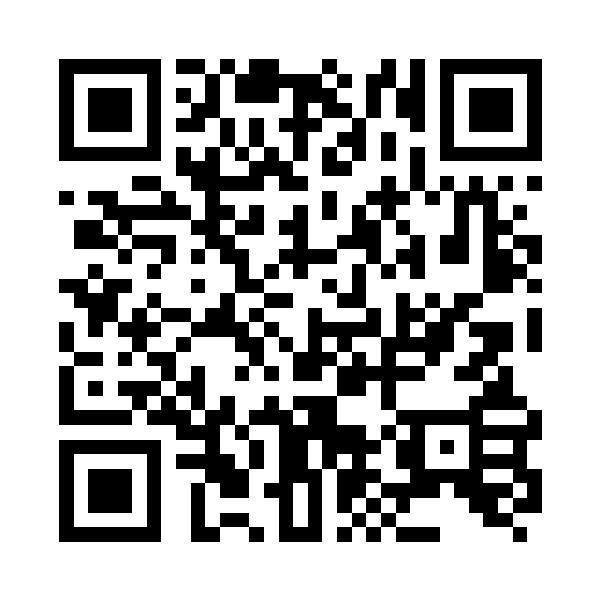 Scan to donate
Download the APK, install it on your television and connect your provider. Updates arrive inside the app.
Download freefreeFabTV 1.0 · Android TV, Google TV and Fire TV · Android 8 or later